I work in tech. Remotely. From a 1979 Airstream that's often parked in places where cell towers are suggestions rather than guarantees. Keeping a stable internet connection while living full-time on the road isn't just a nice-to-have for us. It's how we pay for the diesel.
Over four years of full-time travel, I've built, rebuilt, and refined our connectivity setup until it works almost everywhere. Here's the full stack.
The problem
Most people think of internet access as binary: you either have it or you don't. On the road, it's a spectrum. You might have one bar of LTE that drops every time the wind changes. You might have strong signal but throttled speeds because you've blown through your data cap. You might have perfect coverage at camp but nothing two miles down the road where the trailhead is.
My job requires video calls, file transfers, and reliable SSH connections. Carol needs to upload photos and manage social media. The kids need to stream educational content (and, let's be honest, Bluey). We needed a system that could handle all of that from a national forest campground in Montana just as well as an RV park in Florida.
Layer 1: Cellular (Verizon hotspots)
The backbone of our connectivity is cellular. We carry two Verizon Jetpack hotspots on separate data plans. Two devices, two SIMs, two separate connections. If one drops or gets congested, the other usually holds. This redundancy has saved me on more video calls than I can count.
Verizon because they have the best rural coverage in the US. It's not even close. T-Mobile is great in cities. AT&T is solid in the Southeast. But when you're parked on BLM land in Nevada or a forest service road in Idaho, Verizon is the carrier that still has signal.
We run unlimited data plans, but "unlimited" is a word that carriers define creatively. After a certain threshold, speeds get deprioritized. We manage this by splitting usage across the two devices and monitoring consumption. On heavy work days, I'll route my laptop through one hotspot and everything else through the other.
Layer 2: Signal booster
Raw cellular signal in remote areas is often marginal. One bar. Sometimes less. A cellular signal booster takes whatever signal exists, amplifies it, and rebroadcasts it inside the Airstream.
We run a boom-style antenna mounted on the roof with an interior rebroadcast antenna. The exterior antenna pulls in signal from the nearest tower, the booster amplifies it, and the indoor antenna distributes it throughout the cabin. The difference is measurable: locations where we'd get one unusable bar become three solid bars with the booster active.
The booster doesn't create signal where none exists. If you're in a true dead zone, no amount of amplification helps. But for the vast majority of locations where signal is present but weak, the booster turns "can't make a call" into "can hold a video meeting."
Layer 3: Starlink
Starlink changed everything.
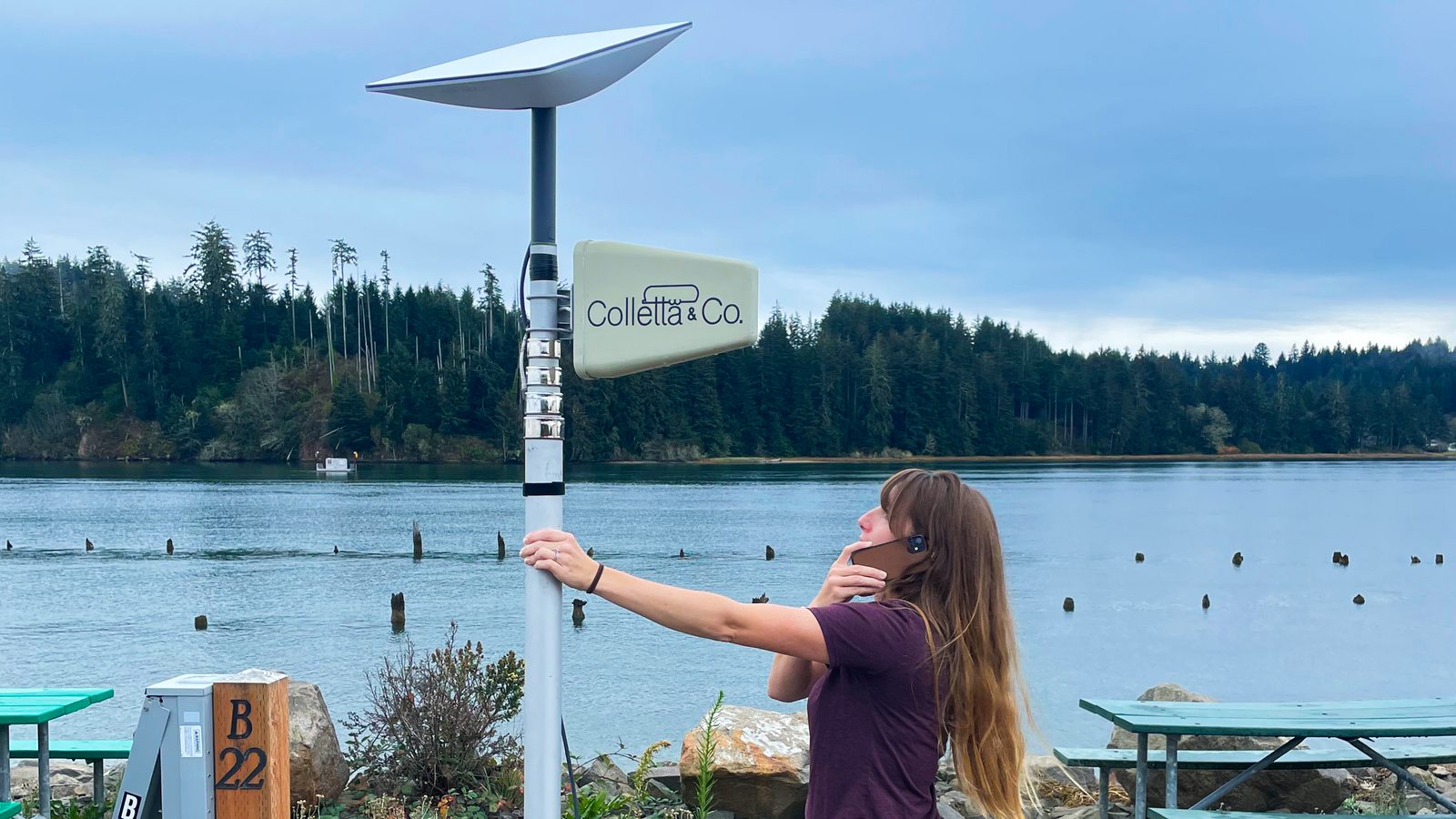
We added the Starlink dish in 2022, and it immediately became our primary internet source for stationary use. The dish sits on a tripod next to the Airstream (or on the roof with a flat mount, depending on tree cover), acquires satellites in about two minutes, and delivers speeds that would be respectable for a suburban home. 50-200 Mbps down, 10-20 up, with latency around 30-50ms.
It works in national forests, on BLM land, in campgrounds, on beaches. It works in places where cellular doesn't exist. It works in Alaska, where we spent a month and where Verizon coverage is essentially decorative.
The downsides: it uses a lot of power (about 50-75 watts continuous, which matters when you're on solar and batteries). It needs a clear view of the sky, so dense tree cover is a problem. And it doesn't work well while driving, so it's a stationary solution only.
But for parked use, Starlink is the single biggest quality-of-life upgrade we've made to the Airstream. Bigger than the washer-dryer. Bigger than the air conditioning. Being able to park anywhere and have real internet changed how we travel.
Layer 4: WiFiRanger
The WiFiRanger is a roof-mounted WiFi receiver that can connect to distant WiFi networks and rebroadcast them inside the Airstream as a local network. Think of it as a WiFi extender with a high-gain antenna on the roof.
This is our least-used layer, but it comes in handy at RV parks and campgrounds that offer WiFi. Campground WiFi is notoriously terrible, but with the WiFiRanger's directional antenna on the roof, we can connect to access points that our phones can't even see. It pulls in the campground's network and creates a private network inside the Airstream that all our devices connect to.
How it all works together
On a typical day parked in camp, the priority order is: Starlink first (fastest, most reliable), cellular hotspot second (backup), WiFiRanger third (opportunistic). I route critical work traffic through Starlink and keep a cellular hotspot as a failover. If Starlink drops (rare, but it happens during software updates or heavy weather), the hotspot takes over within seconds.
While driving, Starlink goes off and cellular becomes primary. The signal booster keeps the hotspots connected through rural stretches, and we accept that some mountain passes and desert valleys are going to be dead zones. Carol has learned to download her podcasts before we leave camp. The kids have learned that "no internet" is not, in fact, an emergency.
What it costs
Transparency matters, so here's the real cost: Starlink runs $120/month for the RV roaming plan. Two Verizon unlimited hotspot plans run about $80/month combined. The WiFiRanger was a one-time purchase of around $350. The signal booster was about $400. The Starlink dish hardware was $599.
Total ongoing cost: roughly $200/month for internet on the road. Total hardware investment: about $1,350. For context, our friends in suburban houses pay $70-90/month for fiber. We pay more, but we can use it from a cliff overlooking the Pacific or a meadow in the Tetons. Different value proposition.
If you're building out a similar setup, the electrical system post covers the power side of supporting all this gear.